人脸识别技术代码讲解
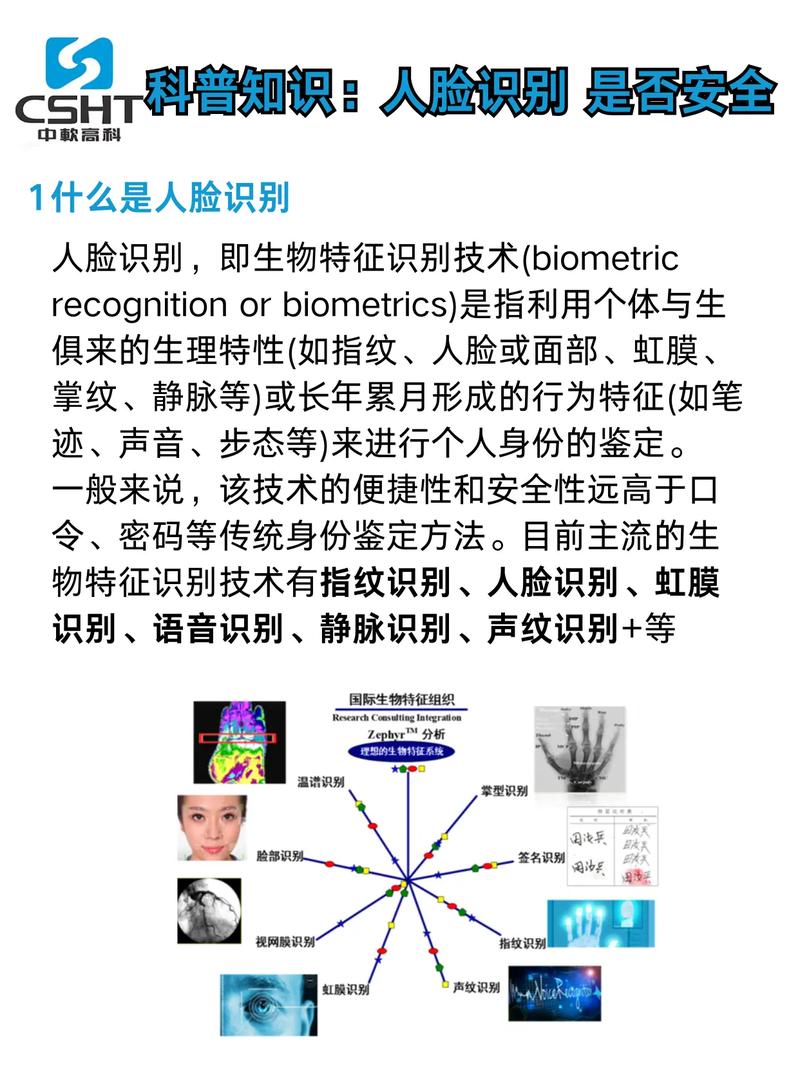
人脸识别技术作为计算机视觉领域的重要分支,其核心在于通过算法提取人脸特征并进行身份匹配,下面将以Python语言为例,结合OpenCV和dlib库,详细讲解人脸识别的关键代码实现流程,整个流程可分为人脸检测、特征提取和特征匹配三个核心步骤。
在开始代码编写前,需确保已安装必要的库:OpenCV(cv2)、dlib、numpy以及预训练模型文件(如dlib的人脸检测器shape_predictor_68_face_landmarks.dat和人脸识别模型dlib_face_recognition_resnet_model_v1.dat),这些模型文件可通过dlib官网下载,是实现人脸识别功能的基础。
人脸检测是第一步,其目的是在图像中定位人脸位置,dlib提供基于HOG(方向梯度直方图)和CNN(卷积神经网络)的人脸检测器,其中CNN检测器精度更高但速度较慢,以下代码展示使用dlib的CNN检测器进行人脸检测:
import dlib
import cv2
# 加载CNN人脸检测器
detector = dlib.cnn_face_detection_model_v1("mmod_human_face_detector.dat")
# 读取图像
image = cv2.imread("test.jpg")
rgb_image = cv2.cvtColor(image, cv2.COLOR_BGR2RGB)
# 检测人脸
faces = detector(rgb_image, 1)  # 第二个参数为上采样次数,增加可检测小人脸但降低速度
# 绘制检测结果
for face in faces:
    x = face.rect.left()
    y = face.rect.top()
    w = face.rect.right() - x
    h = face.rect.bottom() - y
    cv2.rectangle(image, (x, y), (x+w, y+h), (0, 255, 0), 2)
cv2.imshow("Face Detection", image)
cv2.waitKey(0)
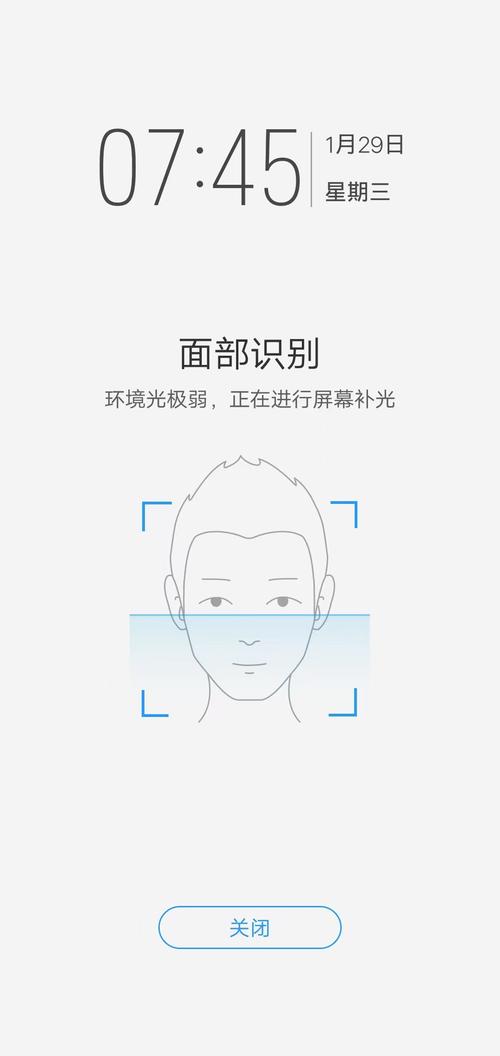
检测到人脸后,需提取人脸特征点以对齐人脸,这一步能提高特征提取的准确性,dlib提供的68点特征检测器可定位人脸的关键部位:
# 加载特征点检测器
predictor = dlib.shape_predictor("shape_predictor_68_face_landmarks.dat")
# 对检测到的人脸提取特征点
for face in faces:
    landmarks = predictor(rgb_image, face.rect)
    # 可视化特征点
    for i in range(68):
        x = landmarks.part(i).x
        y = landmarks.part(i).y
        cv2.circle(image, (x, y), 2, (0, 0, 255), -1)
cv2.imshow("Landmarks", image)
cv2.waitKey(0)
特征提取是人脸识别的核心,dlib基于ResNet网络模型提取128维的人脸特征向量,该向量具有较好的区分性:
# 加载人脸识别模型
face_recognizer = dlib.face_recognition_model_v1("dlib_face_recognition_resnet_model_v1.dat")
# 提取人脸特征向量
face_descriptor = face_recognizer.compute_face_descriptor(rgb_image, landmarks)
face_vector = np.array(face_descriptor)
在实际应用中,需预先注册已知人脸的特征向量并存入数据库,以下代码展示如何计算两张人脸图像的特征向量并计算相似度:
# 计算欧氏距离
def face_distance(face_encodings, face_to_compare):
    return np.linalg.norm(face_encodings - face_to_compare, axis=1)
# 假设已注册的人脸特征向量
known_face_encodings = [face_vector1, face_vector2]  # 预先计算并存储的向量
unknown_face_encoding = face_vector  # 待识别的人脸向量
# 计算距离
distances = face_distance(known_face_encodings, unknown_face_encoding)
min_distance = min(distances)
# 设置阈值(通常为0.6)
threshold = 0.6
if min_distance < threshold:
    index = distances.index(min_distance)
    print(f"识别成功:匹配到的人脸索引为 {index}")
else:
    print("未匹配到已知人脸")
``
为提高代码的可维护性,可将各功能模块封装为类,以下为简化版的人脸识别类框架:
```python
class FaceRecognizer:
    def __init__(self):
        self.detector = dlib.cnn_face_detection_model_v1("mmod_human_face_detector.dat")
        self.predictor = dlib.shape_predictor("shape_predictor_68_face_landmarks.dat")
        self.recognizer = dlib.face_recognition_model_v1("dlib_face_recognition_resnet_model_v1.dat")
        self.known_faces = []  # 存储已知人脸特征向量
    def add_known_face(self, image_path):
        """添加已知人脸"""
        image = cv2.imread(image_path)
        rgb_image = cv2.cvtColor(image, cv2.COLOR_BGR2RGB)
        faces = self.detector(rgb_image, 1)
        if faces:
            landmarks = self.predictor(rgb_image, faces[0].rect)
            encoding = self.recognizer.compute_face_descriptor(rgb_image, landmarks)
            self.known_faces.append(np.array(encoding))
    def recognize(self, image_path):
        """识别人脸"""
        image = cv2.imread(image_path)
        rgb_image = cv2.cvtColor(image, cv2.COLOR_BGR2RGB)
        faces = self.detector(rgb_image, 1)
        results = []
        for face in faces:
            landmarks = self.predictor(rgb_image, face.rect)
            encoding = self.recognizer.compute_face_descriptor(rgb_image, landmarks)
            distances = face_distance(self.known_faces, np.array(encoding))
            min_distance = min(distances) if distances else float('inf')
            results.append({"distance": min_distance, "match": min_distance < 0.6})
        return results
在优化方面,可通过多线程处理加速人脸检测,或使用OpenCV的DNN模块替代dlib的CNN检测器以提升速度,人脸对齐时可考虑使用仿射变换进一步优化特征提取的稳定性。
相关问答FAQs:
-
问:人脸识别中的阈值(如0.6)如何确定?是否需要根据场景调整? 答:阈值通常通过实验确定,在标准数据集(如LFW)上测试不同阈值下的准确率和误识率来选择,安全要求高的场景(如门禁)需降低阈值(如0.4)以提高安全性,而要求高效率的场景(如相册分类)可适当放宽阈值(如0.8)。
-
问:如何解决人脸识别中的光照和角度问题? 答:可通过图像预处理改善,如使用直方图均衡化或CLAHE算法处理光照差异;对于角度问题,可结合多角度人脸训练数据增强模型鲁棒性,或在检测阶段增加头部姿态估计,对侧脸严重的情况进行过滤或提示用户调整角度。